Wrapped SOL (WSOL) on Solana allows users to utilize SOL within the Token Program by holding it in a token account. When transferring SOL into a wrapped SOL token account, it’s crucial to update the token balance using the Sync Native instruction. For more details, refer to the official Solana documentation.
Key Takeaways
- Wrapped SOL allows SOL to be used in token accounts.
- The Sync Native instruction updates the token balance.
- Token balance updates occur after SOL transfers.
What is Wrapped SOL?
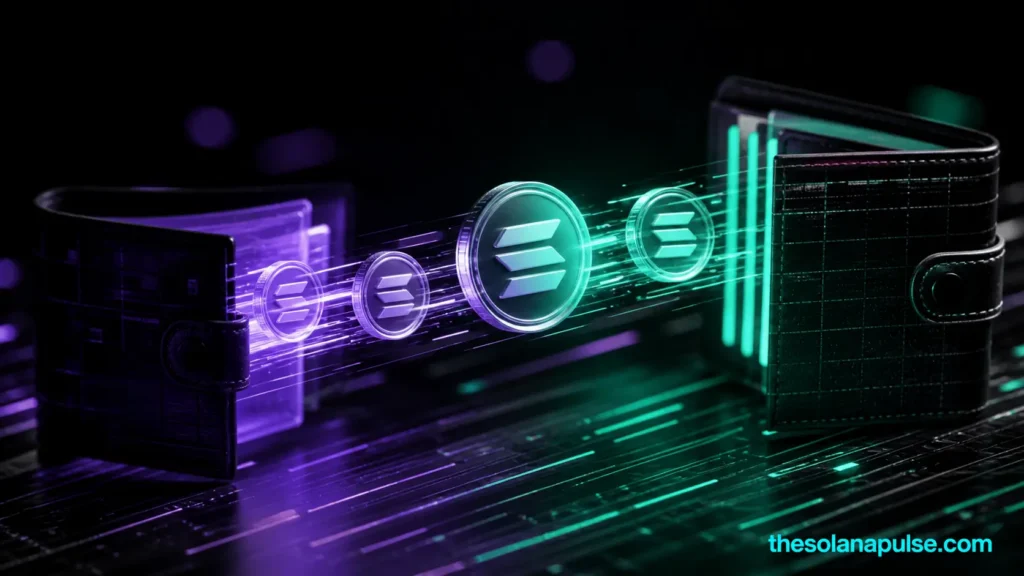
Wrapped SOL (WSOL) is a representation of SOL held in a token account, enabling its use within Solana’s Token Program. The native mint address for wrapped SOL is a specific identifier used by the Token Program to manage these token accounts. When SOL is transferred into a wrapped SOL token account, the account’s lamport balance increases immediately. However, the token balance, tracked in the account’s amount field, remains unchanged until the Sync Native instruction is executed.
Using the Sync Native Instruction
The Sync Native instruction is essential for updating the token account’s amount field to reflect the actual SOL held, excluding the rent-exempt reserve. This ensures that the token balance accurately represents the SOL available for use. After transferring SOL into a wrapped SOL token account, executing the Sync Native instruction synchronizes the token balance with the lamports held. For more insights on managing token accounts, explore our Solana guides.