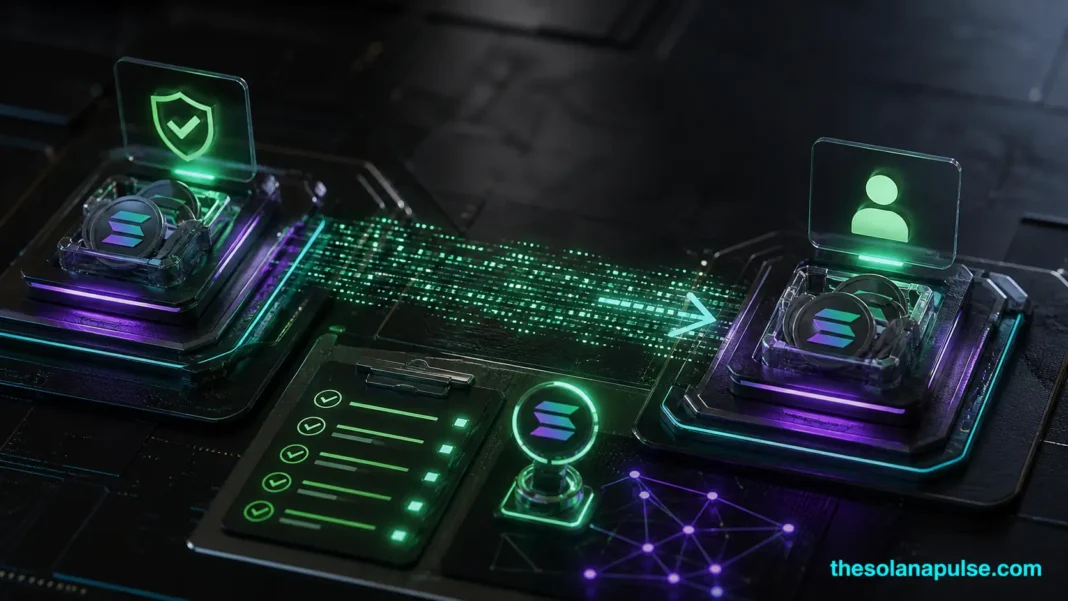
Transferring tokens on Solana involves moving tokens between token accounts for the same mint using the Token Program’s transfer instructions. This process ensures that token balances are updated accurately without affecting the overall mint supply. For more detailed information, visit the official Solana documentation.
Key Takeaways
- Token transfers update balances without changing mint supply.
- TransferChecked instruction verifies mint and decimals.
- Source account owner or delegate must authorize transfers.
How Token Transfers Work
In Solana’s Token Program, transferring tokens involves moving them from one token account to another within the same mint. This operation does not alter the total supply of the mint but merely updates the balances of the involved accounts. The transfer is executed using the Transfer or TransferChecked instructions. The TransferChecked instruction is preferred as it requires the caller to provide the mint and decimals, ensuring that the correct mint and token precision are verified before the transfer occurs.
Executing a Token Transfer
To execute a token transfer, the source account owner or an approved delegate must sign the transaction. In cases where the mint has a permanent delegate extension enabled, a mint permanent delegate can also authorize the transfer. This ensures that only authorized parties can initiate token movements. For further insights into Solana’s token mechanisms, explore our comprehensive Solana guides.