Solana’s Transfer Hook extension is a powerful feature for developers integrating tokens into wallets, custodians, and decentralized applications (dapps). This guide explains how to effectively integrate tokens using the Transfer Hook extension, focusing on detecting the extension, resolving required extra accounts, and handling potential failures. For more detailed information, refer to the official Solana documentation.
Key Takeaways
- The Transfer Hook extension requires a Cross Program Invocation (CPI) for each token transfer.
- Extra accounts needed by the hook are specified in an on-chain account.
- Simulating transactions before execution helps identify potential failures.
Understanding Transfer Hooks
The Transfer Hook extension allows a Token-2022 mint to require a CPI to a custom program during every token transfer. This means that any wallet, dapp, or custodian handling such tokens must include additional accounts specified by the hook program. These accounts are necessary for the CPI to execute successfully. If these accounts are not resolved, the transfer will fail on-chain.
Unlike other extensions, the Transfer Hook is not optional at the account level. Every transfer of a token with a configured hook must include the extra accounts, regardless of whether the product uses the hook’s logic. This ensures that the transfer instruction does not bypass the hook.
Implementing Transfer Hook Integration
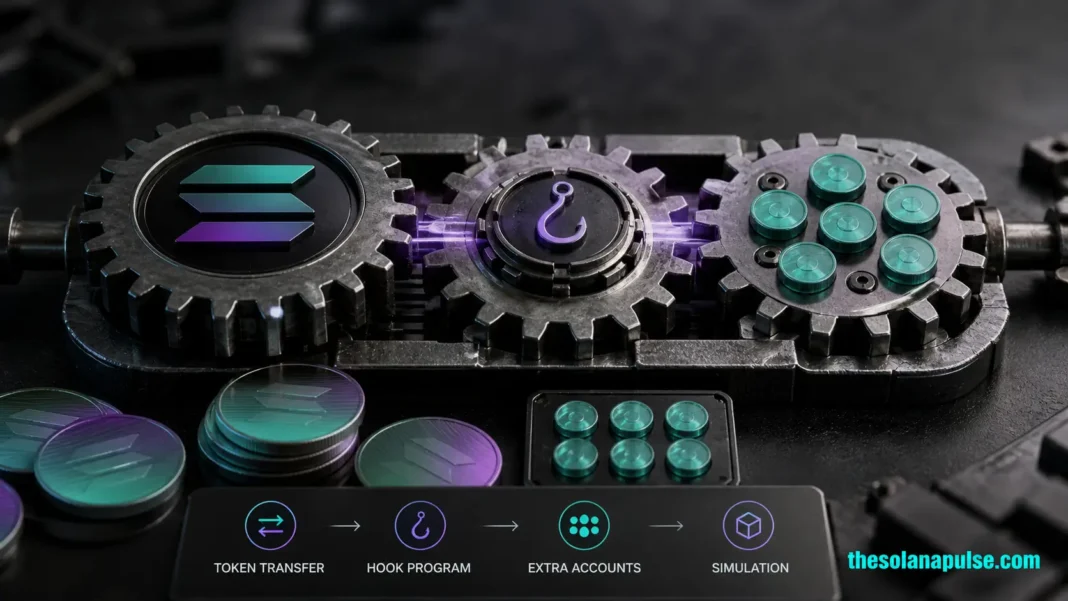
To integrate Transfer Hooks, developers must detect the presence of the hook on the mint and resolve the extra accounts required by the hook’s CPI. This involves reading the ExtraAccountMetaList account, which lists the additional accounts needed for the transfer. The integration process also involves simulating the transaction to catch any potential failures before execution.
For developers using Solana’s Kit or web3.js, the process involves using specific functions to detect and resolve these accounts. The getTransferCheckedWithTransferHookInstructionAsync function in the @solana-program/token-2022 client is particularly useful for this purpose. For more detailed steps and examples, explore our Solana guides.